Acelo - Powerpoint Template
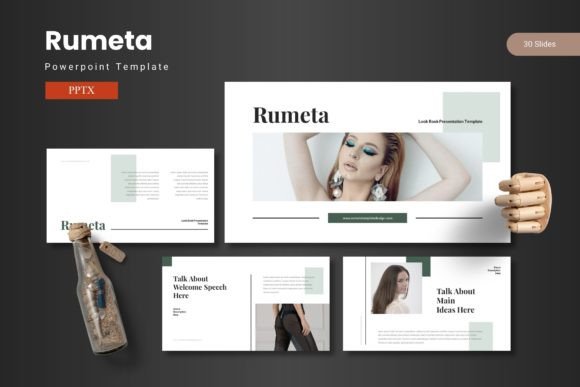
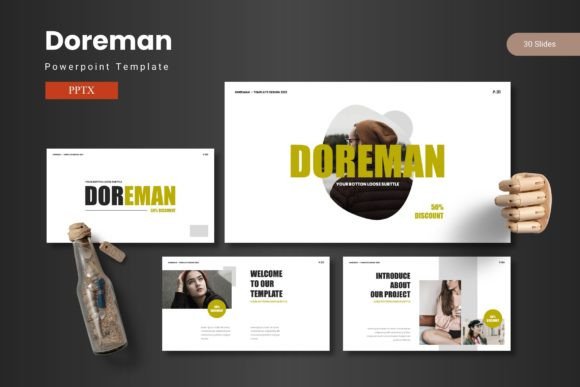
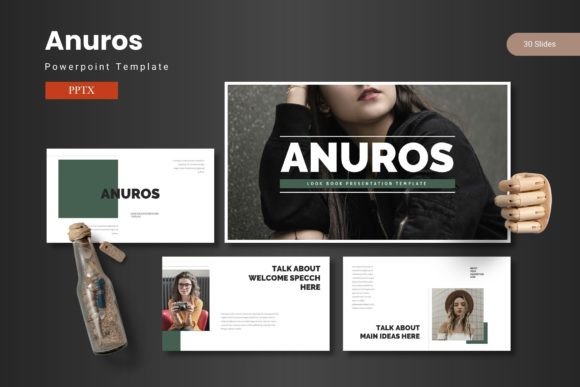
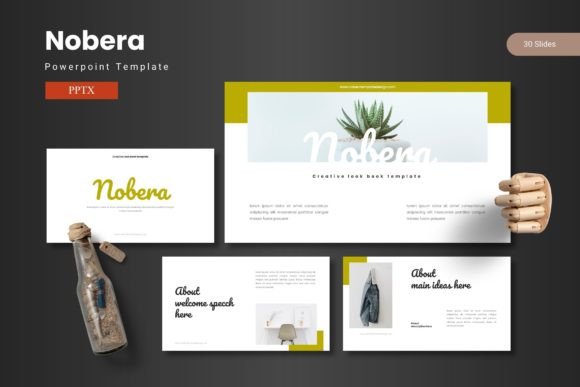
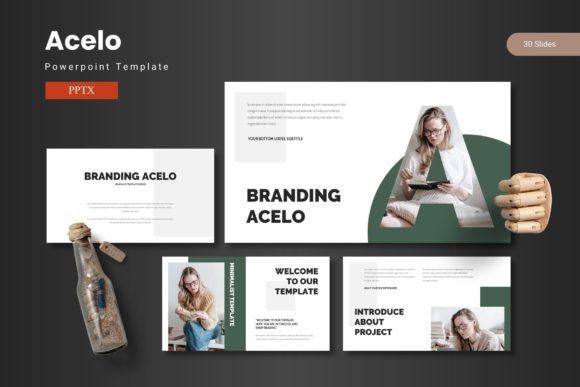
The Acelo - Powerpoint Template is a comprehensive design solution for individuals and professionals looking to create visually engaging presentations. With a focus on aesthetics, functionality, and ease of use, this template offers a wide range of features that cater to various presentation needs. Whether you're preparing a business pitch, an academic report, or a creative project, Acelo provides the tools necessary to make your ideas stand out.
Key Features of Acelo - Powerpoint Template
The Acelo - Powerpoint Template comes with 150 total slides, organized into five distinct sections. Each section includes 30 slides, making it easy to structure your content logically. The template also includes slide breaks, allowing for clear transitions between different parts of your presentation. This organization helps maintain a professional and cohesive look throughout your slides.
One of the standout features of Acelo is its five pre-made color schemes. These options provide flexibility in matching your brand or personal style. Additionally, each color scheme has five variations, giving you even more customization possibilities. The template also includes handcrafted infographics, which are based on master slides, ensuring consistency and visual appeal across all your slides.
Customization and Usability
Acelo - Powerpoint Template is designed with user-friendliness in mind. It offers pixel-perfect illustrations and resizable, editable graphics, allowing you to modify elements without compromising quality. The presence of picture placeholders and a drag-and-drop gallery makes it simple to incorporate images and other media into your slides.
The template also includes a dedicated slide for portfolios and galleries, making it ideal for showcasing projects, work samples, or data visualizations. All these features are included in the main file, which contains five PPTX items. This ensures that you have everything you need in one place, eliminating the need for additional downloads or installations.
Benefits of Using Acelo - Powerpoint Template
One of the primary benefits of Acelo is its ability to help users create presentations that resonate with their audience. By combining data, graphics, and impactful content, the template supports a balanced approach to communication. This is especially useful for professionals who need to convey complex information in a clear and engaging manner.
The customizable layouts allow users to tailor the template to their specific needs. Whether you're presenting to a small team or a large audience, Acelo offers the flexibility to adjust the design as needed. The easy-to-use features reduce the time and effort required to create high-quality slides, making it an efficient choice for busy professionals.
Situations Where Acelo is a Strong Fit
Acelo - Powerpoint Template is particularly well-suited for users who value both design and functionality. If you're looking to create presentations that are not only visually appealing but also structured and professional, Acelo can be a strong fit. It is ideal for business professionals, educators, and creatives who want to enhance their presentation skills without spending excessive time on design.
Additionally, the template is beneficial for those who need to present data or statistics. The inclusion of handcrafted infographics and customizable layouts allows for effective data visualization, making it easier for audiences to understand complex information.
Considerations and Tradeoffs
While Acelo offers many advantages, it's important to consider potential tradeoffs. The template may require some time to learn, especially if you're not familiar with PowerPoint's advanced features. However, the intuitive design and detailed readme file provided in the folder can help ease the learning curve.
Another consideration is the need for consistent branding. While the five color schemes and variations offer flexibility, users must ensure that their chosen colors align with their overall brand identity. This requires careful planning and attention to detail.
When Alternatives Might Be Worth Considering
For users who prefer a more minimalistic approach, alternatives to Acelo may be worth considering. Some templates focus on simplicity and clean design, which could be more suitable for certain types of presentations. Additionally, if you're looking for a completely free option, there are several open-source templates available that may meet your needs.
Users who require highly specialized features, such as advanced animations or interactive elements, may find that other templates offer more extensive capabilities. In such cases, it's important to evaluate your specific requirements before choosing a template.
Practical Decision-Making Insights
When deciding whether Acelo - Powerpoint Template is right for you, consider your presentation goals and design preferences. If you're looking for a versatile, visually appealing template that balances functionality with aesthetics, Acelo is a solid choice. However, if your needs are more niche or you prefer a simpler design, exploring other options may be beneficial.
It's also helpful to review the template's features and read user feedback to gain a better understanding of its strengths and limitations. This will help you make an informed decision that aligns with your specific needs and expectations.
In conclusion, Acelo - Powerpoint Template offers a powerful set of tools for creating compelling presentations. Its combination of customizable layouts, high-quality graphics, and user-friendly features makes it a valuable resource for anyone looking to enhance their presentation skills. Whether you're a seasoned professional or a first-time presenter, Acelo can help you share your ideas with confidence and clarity.