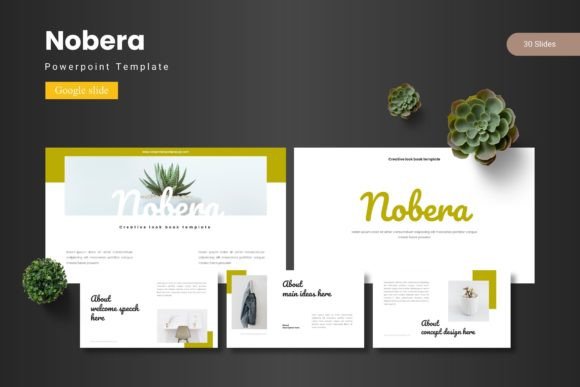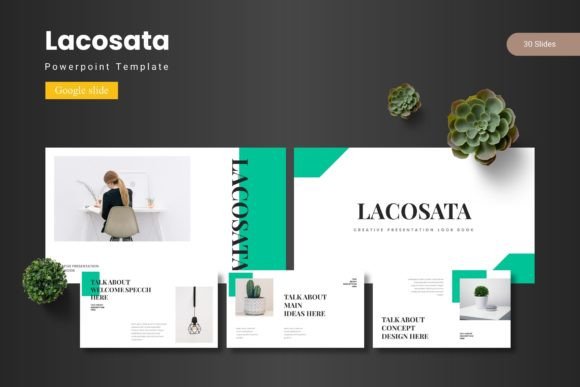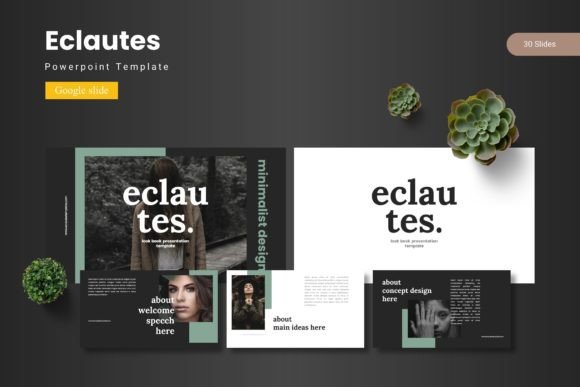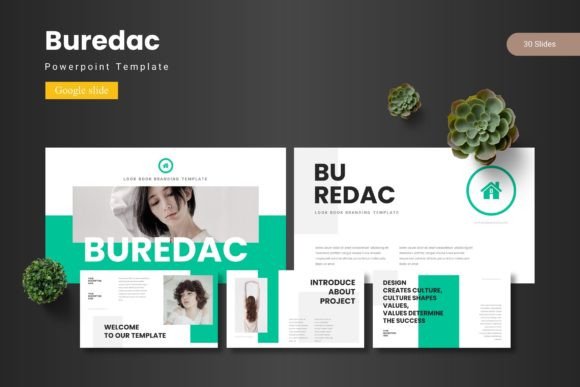
Armoca - Google Slide Template
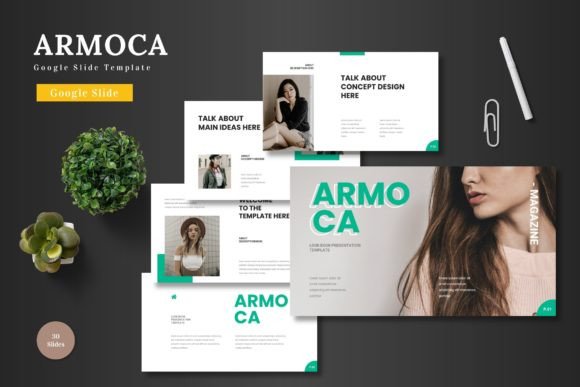
Armoca - Google Slide Template is a versatile and professional design solution that empowers users to create visually stunning presentations with ease. Whether you're a marketer, entrepreneur, educator, or designer, this template offers a wide range of features that cater to various needs and goals. Its clean layout, scalability, and vibrant color options make it an ideal choice for business, pitch decks, e-commerce, and product promotions.
Why Armoca Stands Out
What makes Armoca unique is its combination of style and functionality. The template is designed to be both aesthetically pleasing and highly practical. It includes 150 total slides, divided into five pre-made color schemes, each with 30 slides. This structure allows for flexibility in creating presentations that match your brand or message. Additionally, the inclusion of animated slides adds a dynamic element that can help engage your audience more effectively.
The template also comes with a variety of slide types, including section break slides, gallery and portfolio slides, and picture placeholders. These elements ensure that your presentation remains organized and visually cohesive. All graphics are resizable and editable, giving you complete control over the design without needing additional software.
Creative Possibilities with Armoca
One of the most appealing aspects of Armoca is its adaptability. You can use it for a wide range of purposes, from launching a new product to presenting a business plan. For instance, if you're an e-commerce entrepreneur, you can use the template to showcase your products with high-quality images and clear descriptions. The customizable color schemes allow you to align the presentation with your brand identity, ensuring a consistent look across all materials.
For educators, Armoca provides a great way to create engaging lesson plans or presentations. The pixel-perfect illustrations and handcrafted infographics can help explain complex concepts in a more digestible format. Similarly, marketers can leverage the template to craft compelling pitch decks that highlight key strategies, data, and insights in a visually striking manner.
How Different Users Can Benefit
Armoca is not limited to any specific industry or profession. Freelancers, small business owners, and hobbyists can all find value in using this template. For example, a blogger might use it to create a presentation about their latest project or to share tips with their audience. A designer could use it to present their portfolio, making it easy for clients to understand their work and style.
The template's user-friendly interface ensures that even those with minimal design experience can create professional-looking slides. Simply replace the placeholder images, adjust the colors, and input your content. The drag-and-drop feature for galleries and portfolios makes it easy to organize visual elements, saving time and effort during the creation process.
Practical Tips for Using Armoca
To get the most out of Armoca, consider the following tips. First, take advantage of the five color schemes to match your brand or the theme of your presentation. This not only enhances visual appeal but also reinforces your brand identity. Second, use the animated slides strategically to highlight key points or transitions between sections. However, avoid overusing animations, as they can become distracting.
Another useful tip is to maintain consistency throughout your presentation. Use the same fonts, color palette, and layout elements across all slides to create a cohesive look. This helps keep your audience focused and makes your message easier to follow. Additionally, take time to review and refine your content before finalizing the presentation. Clear, concise messaging is essential for effective communication.
Realistic Examples and Recommendations
Consider using Armoca for a product launch presentation. Start with a strong title slide that captures attention, followed by an overview of the product's features, benefits, and target audience. Use the gallery slides to showcase high-quality images or videos, and include a section break slide to separate different parts of the presentation. End with a compelling closing slide that reinforces your key message and includes contact information or next steps.
If you're creating a pitch deck for investors, focus on clarity and impact. Use the infographic slides to present data and statistics, and highlight your unique selling proposition. Keep the design clean and professional, avoiding clutter that could confuse your audience. Remember, the goal is to communicate your vision clearly and confidently.
Conclusion: Armoca for Every Need
Armoca - Google Slide Template is a powerful tool that can elevate your presentations and help you achieve your goals. Its versatility, ease of use, and professional design make it suitable for a wide range of applications. Whether you're a creator, marketer, educator, or entrepreneur, this template offers the flexibility and functionality needed to create impactful and visually appealing slides.
By leveraging the features of Armoca, you can streamline your workflow, enhance your creativity, and deliver presentations that resonate with your audience. With its comprehensive set of tools and resources, Armoca is an excellent choice for anyone looking to make a lasting impression through their presentations.