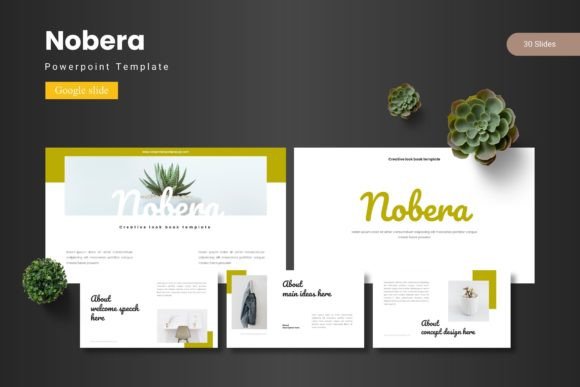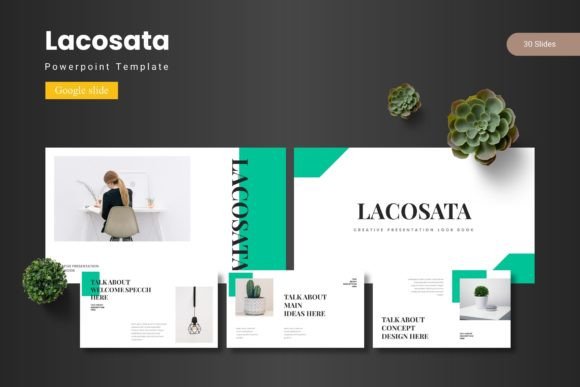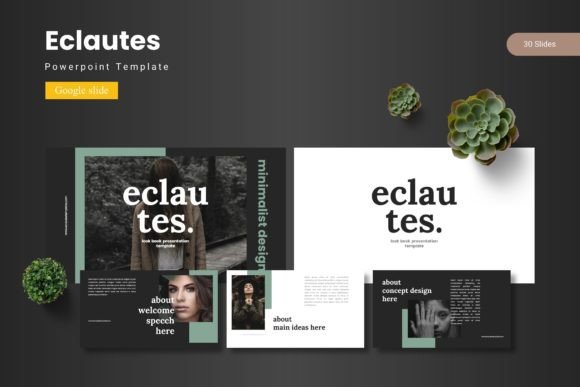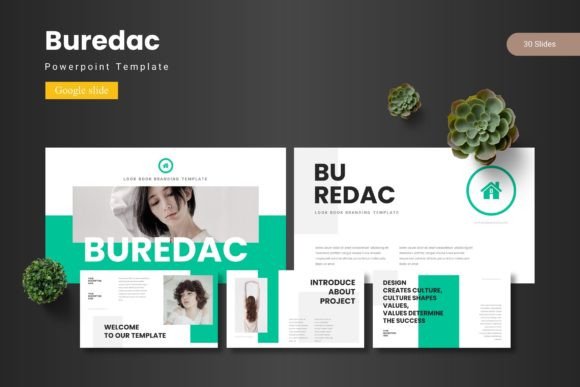
Bimulo - Google Slide Template
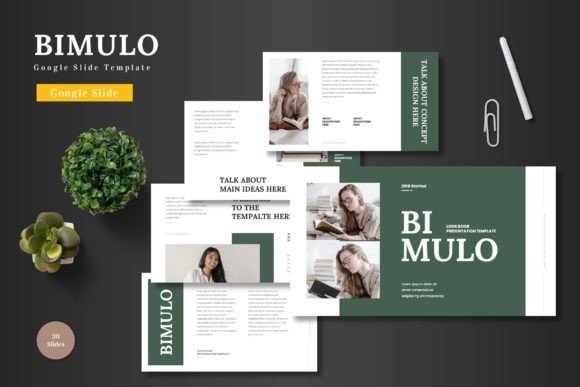
Bimulo - Google Slide Template is a versatile and professional presentation tool designed to meet the needs of a wide range of users. Whether you're a marketer, entrepreneur, educator, or designer, this template offers a clean, scalable, and colorful platform that can be adapted for various purposes. From business presentations to product promotions, Bimulo provides a solid foundation for creating visually appealing and engaging slides.
One of the standout features of Bimulo is its ease of use. All elements are fully editable within Google Slides, eliminating the need for additional software. This makes it accessible to anyone familiar with the platform, allowing for quick and efficient content creation. Simply input your text, replace images in the placeholders, adjust colors, and customize the layout to suit your needs.
Key Features of Bimulo
Bimulo comes with a comprehensive set of features that make it an ideal choice for both personal and professional use. The template includes 150 total slides, divided into five pre-made color schemes, each with 30 slides. This structure allows for flexibility in design and ensures that you can choose a style that matches your brand or project theme.
The template also includes section break slides, which help organize your presentation into distinct parts. This feature is especially useful for pitch decks, where clarity and structure are essential. Additionally, Bimulo offers five color variations, giving you the freedom to experiment with different visual identities without starting from scratch.
Another notable aspect of Bimulo is its handcrafted infographic design based on master slides. These infographics are not only visually appealing but also easy to edit, making it simple to incorporate data, statistics, or other visual elements into your presentation. All graphics are resizable and editable, ensuring that your slides remain consistent and professional.
Creative Possibilities with Bimulo
Bimulo's versatility opens up numerous creative possibilities. For instance, marketers can use the template to create compelling pitch decks that highlight product features, benefits, and unique selling points. The customizable gallery and portfolio slides allow for showcasing products, services, or projects in an organized and visually appealing manner.
Entrepreneurs can leverage Bimulo to present their business ideas to investors or partners. The animated slides add a dynamic element to the presentation, capturing attention and keeping the audience engaged. With the ability to change colors and layouts, entrepreneurs can tailor their slides to match their brand identity and message.
Educators can also benefit from Bimulo by using it to create interactive lesson plans or presentations. The clean and organized design helps maintain focus on the content, while the variety of slide types supports different teaching styles and formats. Whether it's a classroom lecture or an online course, Bimulo provides a reliable and professional backdrop.
Adapting Bimulo for Different Goals
One of the strengths of Bimulo is its adaptability. Users can modify the template to suit their specific goals and audiences. For example, a small business owner looking to promote a new product can use the e-commerce-themed slides to create a compelling sales pitch. By replacing placeholder images with high-quality visuals and customizing the color scheme, they can create a presentation that resonates with their target market.
Similarly, a freelancer or blogger can use Bimulo to showcase their portfolio or share insights with their audience. The template's flexible layout allows for the inclusion of multimedia elements, such as videos or links, enhancing the overall user experience. The drag-and-drop functionality makes it easy to rearrange content, ensuring that the presentation flows smoothly and logically.
For those working on a team, Bimulo's collaborative features in Google Slides enable multiple users to contribute to the same presentation. This is particularly useful for group projects, where different team members can work on separate sections and then combine them into a cohesive whole. The ability to track changes and leave comments further streamlines the editing process.
Practical Tips for Using Bimulo
To get the most out of Bimulo, consider the following tips. First, take time to explore the template's structure and understand how each slide type can be used. This will help you identify which elements are best suited for your specific project. Second, don't hesitate to experiment with different color schemes and layouts. Testing various options can lead to unexpected and creative results.
When adding content, keep it concise and focused. Avoid overcrowding slides with too much text or images, as this can distract from the main message. Instead, use bullet points and visuals to convey information clearly and effectively. Finally, remember to review your presentation before sharing it with others. Check for consistency in design, accuracy in content, and overall flow to ensure a polished final product.
Bimulo - Google Slide Template is more than just a collection of slides; it's a powerful tool that empowers users to express their ideas creatively and professionally. With its intuitive design, extensive features, and adaptability, Bimulo is an excellent choice for anyone looking to elevate their presentations and make a lasting impression. Whether you're presenting to a client, teaching a class, or pitching a new idea, Bimulo provides the foundation you need to succeed.