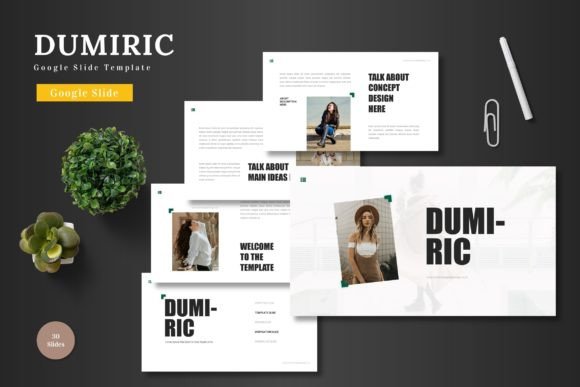
Dumiric - Google Slide Template: A Powerful Tool for Professional Presentations
In today’s fast-paced business environment, the ability to communicate ideas clearly and effectively is essential. Whether you're presenting a new product, pitching a business idea, or sharing insights with colleagues, the right presentation tool can make all the difference. Dumiric - Google Slide Template is a versatile and professional solution that streamlines the creation of high-quality presentations. Designed with both functionality and aesthetics in mind, this template offers a range of features that cater to various use cases, from business proposals to e-commerce campaigns.
Understanding Dumiric - Google Slide Template
Dumiric - Google Slide Template is a ready-to-use presentation design that provides a clean, scalable, and colorful framework for users to build their slides. It is ideal for professionals, entrepreneurs, marketers, and educators who need to create visually appealing presentations without spending excessive time on design. The template is built specifically for Google Slides, allowing users to edit every element directly within the platform—no additional software required.
This template is particularly useful in the broader process of project planning, marketing, and communication. It serves as a foundational tool that helps users structure their content logically while maintaining a consistent visual identity. Whether you’re preparing a pitch deck for investors, creating a product launch presentation, or designing a training module, Dumiric - Google Slide Template offers the flexibility and customization needed to meet your specific needs.
Key Features of Dumiric - Google Slide Template
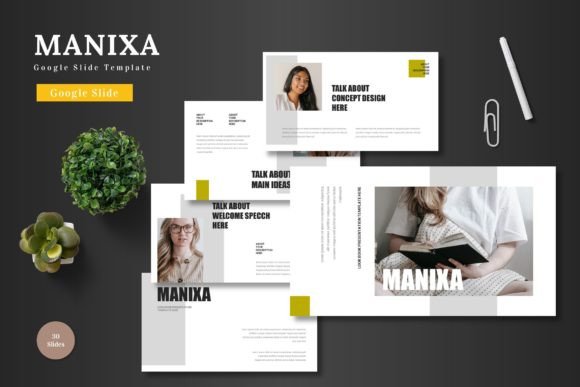
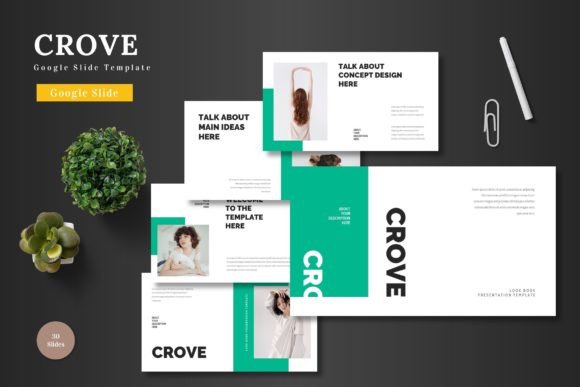
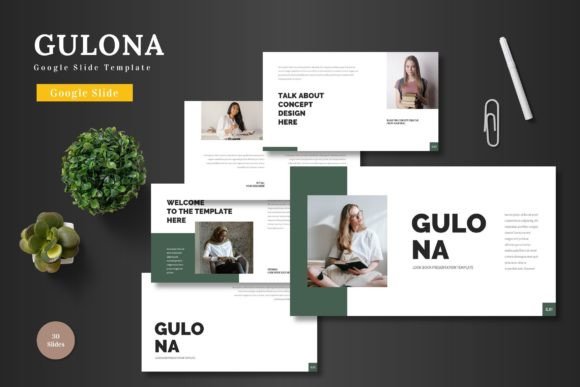
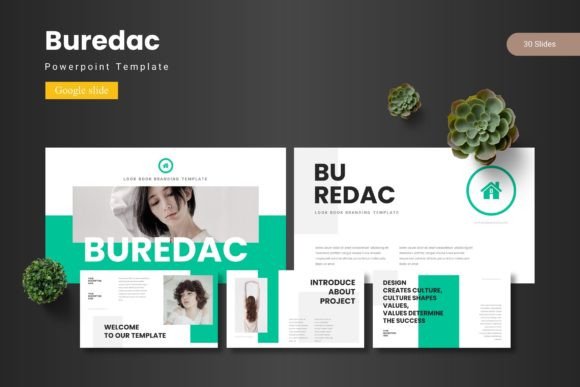
The Dumiric - Google Slide Template includes a comprehensive set of features that enhance usability and efficiency. With 150 total slides across five pre-made color schemes, it provides a wide range of options to match different branding styles and personal preferences. Each color variation is carefully designed to ensure visual harmony and readability, making it easy to maintain a cohesive look throughout your presentation.
One of the standout features of this template is its structured layout. It includes 30 slides for each section, along with break slides that help organize content into distinct parts. This organization is especially beneficial when working on complex projects that require multiple stages of information delivery. Additionally, the template includes a handcrafted infographic created using PowerPoint, which can be easily adapted to fit the Google Slides format.
All graphics and illustrations in the template are fully resizable and editable, giving users complete control over the visual elements. Picture placeholders allow for easy image replacement, and drag-and-drop functionality makes it simple to add galleries or portfolio slides. These features not only save time but also ensure that your presentation remains visually engaging and professional.
Practical Use Cases for Dumiric - Google Slide Template
The versatility of Dumiric - Google Slide Template makes it suitable for a wide range of applications. For instance, in a business context, it can be used to create pitch decks for startups, investor meetings, or internal strategy sessions. Its clean design ensures that your message is clear and impactful, while the animated slides add a dynamic element that captures attention.
In the realm of e-commerce and product promotion, the template provides an excellent foundation for showcasing products or services. The customizable layout allows you to highlight key features, include customer testimonials, and present data in a visually appealing way. This makes it an ideal choice for online marketing campaigns, sales presentations, or product launches.
For educators and trainers, Dumiric - Google Slide Template offers a reliable tool for creating engaging lesson plans, training modules, or workshops. The organized structure and editable elements enable instructors to deliver content in a logical and coherent manner, enhancing the learning experience for students or participants.
Integration with Other Tools and Workflows
Dumiric - Google Slide Template is designed to integrate seamlessly with other tools and workflows commonly used in professional settings. Since it is based on Google Slides, it works well with other Google Workspace applications such as Google Docs, Sheets, and Forms. This compatibility allows for a more streamlined workflow, where data and content can be shared and updated across platforms effortlessly.
Additionally, the template supports collaboration, making it an excellent choice for teams working on group projects or cross-functional initiatives. Multiple users can edit the same presentation simultaneously, ensuring that everyone stays aligned and up-to-date. This feature is particularly valuable in fast-paced environments where real-time feedback and revisions are necessary.
When combined with other design tools, such as Canva or Adobe Express, Dumiric - Google Slide Template can serve as a starting point for more complex visual projects. Users can export slides as images or PDFs and further refine them using external software if needed. This flexibility ensures that the template can adapt to different creative processes and technical requirements.
Implementation Tips and Best Practices
To get the most out of Dumiric - Google Slide Template, it's important to plan your presentation carefully before diving into the design. Start by outlining your key messages, identifying the target audience, and determining the overall tone of the presentation. This preparation will help you make informed decisions about the content, layout, and visual elements of your slides.
When customizing the template, take advantage of the editable shapes, color variations, and graphic elements to align the presentation with your brand or personal style. Avoid overcrowding slides with too much text or imagery, as this can distract from your main points. Instead, focus on clarity and simplicity, using visuals to reinforce your message rather than compete with it.
Another useful tip is to utilize the animated slides included in the template. These animations can help guide the audience through your content and add a professional touch to your presentation. However, it's important to use them judiciously—overuse can be distracting and reduce the effectiveness of your message.
Finally, always review your presentation before delivering it. Check for consistency in formatting, accuracy of information, and overall flow. This quality control step ensures that your final output meets the highest standards and reflects your professionalism.
Long-Term Use and Maintenance
Dumiric - Google Slide Template is not just a one-time solution—it’s a long-term asset that can be reused and updated as needed. Whether you’re presenting the same content to different audiences or revising your materials for future projects, the template provides a solid foundation that can evolve with your needs.
Maintaining consistency across multiple presentations is crucial for building a strong brand presence. By using the same template for different projects, you can ensure that your visual identity remains cohesive and recognizable. This is especially important for businesses that rely on regular communication with clients, partners, or stakeholders.
As your workflow evolves, you may find opportunities to enhance the template further. For example, you can add custom fonts, incorporate new design elements, or integrate interactive features such as hyperlinks or embedded videos. These enhancements can elevate the user experience and make your presentations even more engaging.