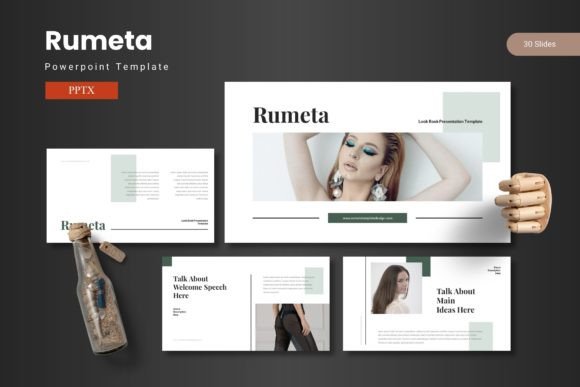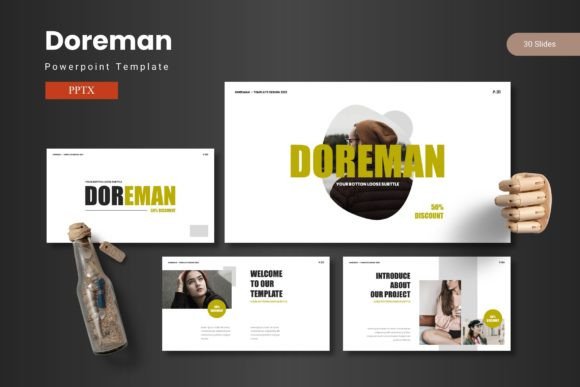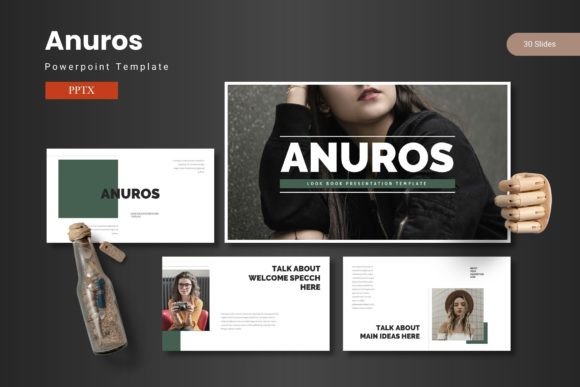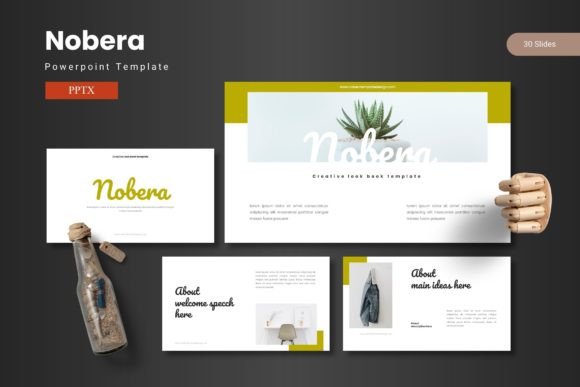
Ecorats - Powerpoint Template
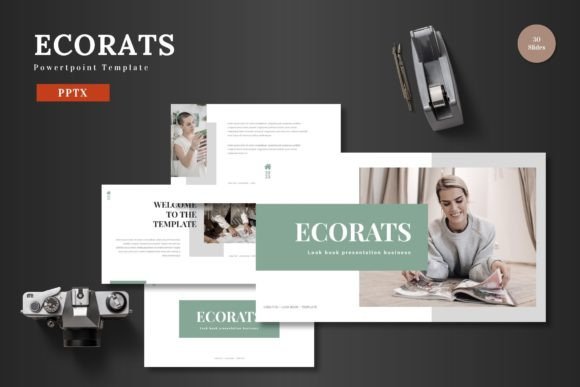
Ecorats - Powerpoint Template is a versatile and professional design solution that empowers users to create visually stunning presentations with ease. Whether you're a marketer, entrepreneur, educator, or designer, this template offers a range of features that make it ideal for a variety of purposes. From business pitches to product promotions, Ecorats provides the tools needed to deliver compelling messages without the need for complex software.
Why Choose Ecorats?
The Ecorats - Powerpoint Template stands out due to its clean, scalable, and colorful design. It's built with a focus on usability and flexibility, allowing users to customize every element directly within PowerPoint. This means no additional software is required—just open the template, edit, and present. The template includes 150 slides across five pre-made color schemes, making it easy to match your brand or personal style.
Each section of the template is clearly organized, with 30 slides dedicated to each main section. This structure ensures that your presentation remains cohesive and well-organized. Additionally, the inclusion of animated slides adds a dynamic touch that can help engage your audience and keep them interested throughout your presentation.
Creative Possibilities with Ecorats
One of the most appealing aspects of Ecorats is its multipurpose nature. It can be used for business presentations, pitch decks, e-commerce campaigns, or product launches. The template’s design is adaptable, allowing users to tailor it to their specific needs. For example, a startup founder could use Ecorats to craft a compelling pitch deck that highlights their business model, while an e-commerce seller might use it to showcase their products in an attractive and professional way.
The handcrafted infographics and pixel-perfect illustrations included in the template add a level of sophistication that can elevate any presentation. These graphics are fully editable, so you can adjust colors, sizes, and layouts to fit your vision. The ability to resize and edit all graphics ensures that your presentation remains consistent and polished.
Customization Made Easy
Editing Ecorats is straightforward, thanks to its intuitive layout and user-friendly design. Users can easily replace images with placeholders, change colors, and input their own content without needing advanced design skills. The template also includes a picture placeholder, drag-and-drop gallery, and portfolio slide, making it simple to organize and display visual content effectively.
The inclusion of five PPTX files with different color schemes gives users even more flexibility. Whether you prefer a bold, vibrant look or a more subdued, professional tone, Ecorats has the right option for you. The readme file included with the template provides clear instructions on how to use the template, ensuring that even first-time users can get started quickly.
Applications for Different Audiences
Ecorats is suitable for a wide range of users, from small business owners to educators and freelancers. Its versatility makes it an excellent choice for anyone looking to create high-quality presentations without the hassle of complex design tools. For instance, a teacher could use Ecorats to create engaging lesson plans, while a blogger might use it to present their latest content ideas to an audience.
Entrepreneurs can benefit from the template’s structured approach, which helps them present their business plans or marketing strategies in a clear and professional manner. Similarly, designers and creatives can use Ecorats to showcase their work, whether it's a portfolio presentation or a client pitch. The template’s adaptability ensures that it can be used across different platforms and formats, making it a valuable asset for any creative professional.
Best Practices for Using Ecorats
To get the most out of Ecorats, it's important to focus on clarity, consistency, and audience engagement. Start by defining the purpose of your presentation and selecting the appropriate color scheme and layout. Use the template’s built-in sections to organize your content logically, ensuring that each slide flows smoothly into the next.
When adding images or graphics, choose high-quality visuals that align with your message. The drag-and-drop gallery feature makes it easy to manage these elements, but it's important to maintain a clean and uncluttered design. Avoid overcrowding slides with too much text or imagery, as this can distract from your key points.
Finally, take advantage of the animated slides to add movement and interest to your presentation. However, use animation sparingly to avoid overwhelming your audience. A well-balanced use of motion can enhance your message and keep your audience engaged throughout your presentation.
Conclusion
Ecorats - Powerpoint Template is a powerful tool that combines creativity with practicality. Its clean design, customizable features, and user-friendly interface make it an excellent choice for anyone looking to create professional presentations. Whether you're presenting a business idea, launching a product, or sharing information with an audience, Ecorats provides the flexibility and functionality needed to succeed. With its wide range of applications and easy-to-use features, Ecorats is a valuable resource for creators, marketers, and professionals alike.