Touch Minimal Google Slide Template
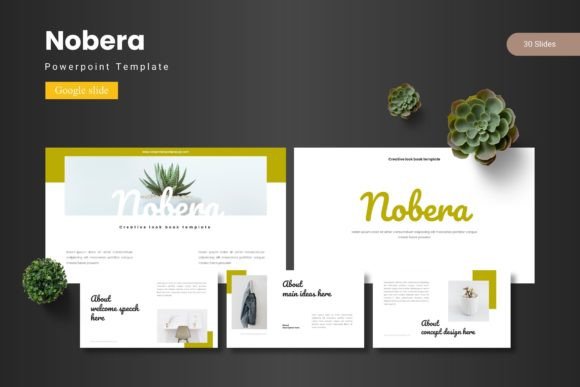
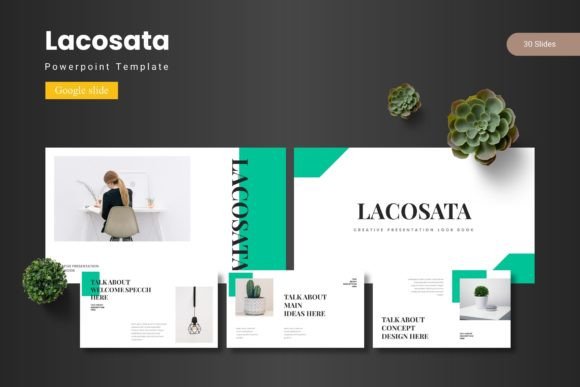
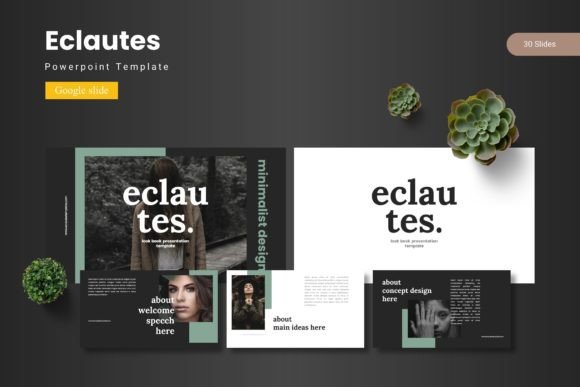
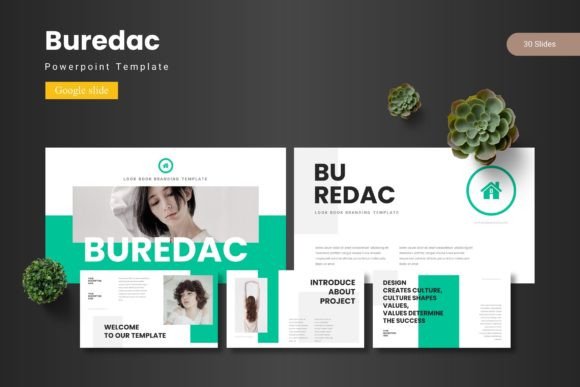
The Touch Minimal Google Slide Template is a sleek and professional tool designed for users who want to present their ideas clearly and effectively. With its clean design and flexible layout, it's ideal for business reports, project presentations, and creative pitches. Whether you're a designer, marketer, or educator, this template offers a modern look that stands out without overwhelming your audience.
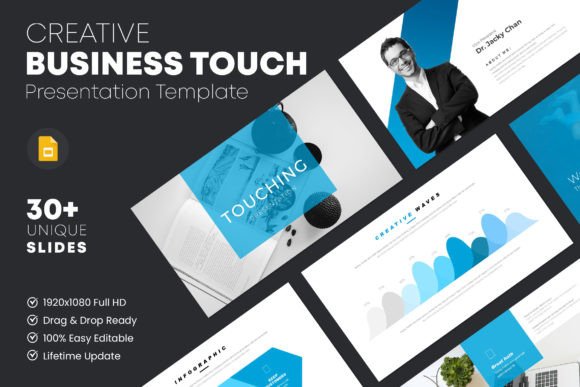
One of the standout features of the Touch Minimal template is its 16:9 aspect ratio, which ensures compatibility with most projectors and digital displays. This makes it perfect for both in-person and online presentations. The template includes 30 unique slides, each offering different layouts and text variations to suit a wide range of content types and styles.
Why Choose Touch Minimal?
What sets the Touch Minimal template apart is its focus on simplicity and clarity. Each slide is designed with high-resolution images and perfectly aligned typography, ensuring that your message is easy to read and visually appealing. The use of a free font also makes it accessible for users who may not have access to premium typefaces.
The template includes a header and footer master layout, allowing for consistent branding across all slides. This is especially useful for businesses or organizations that want to maintain a cohesive look in their presentations. Additionally, the drag-and-drop image placeholder makes it easy to update visuals without needing advanced design skills.
Creative Possibilities
The Touch Minimal template is highly customizable, making it suitable for a variety of creative projects. For instance, a marketer might use it to present a campaign strategy, while an educator could use it to outline a lesson plan. Its versatility allows users to adapt the template to their specific needs without sacrificing style or functionality.
For entrepreneurs, the template can be used to pitch a business idea to investors or partners. The clean design helps convey professionalism, while the organized layout ensures that key points are easy to follow. Similarly, bloggers and content creators can use the template to showcase their work or share insights with their audience.
Applications Across Different Fields
The Touch Minimal template is not limited to one industry or profession. It can be adapted for use in various contexts, from academic presentations to corporate reports. For example, a small business owner might use it to present annual results to stakeholders, while a freelancer could use it to showcase their portfolio to potential clients.
Designers can use the template as a starting point for more complex presentations, adding custom graphics or animations to enhance the visual appeal. The template’s full documentation also makes it easier for users to understand how to modify and expand upon the existing design.
Practical Tips for Using the Template
To get the most out of the Touch Minimal template, start by identifying your presentation’s main goal. Are you informing, persuading, or entertaining your audience? Once you have a clear objective, choose the slides that best support your message. For example, a slide with a large image might be ideal for showcasing a product, while a slide with bullet points could be used to outline key findings.
When adding content, keep it concise and focused. Avoid overcrowding slides with too much text or imagery, as this can distract from your main points. Instead, use the template’s layout options to create a balanced and visually pleasing composition. Remember, less is often more when it comes to effective presentations.
Maximizing Customization
The 100% customizable nature of the Touch Minimal template means that users can tailor it to fit their brand or personal style. This includes adjusting colors, fonts, and layout elements to match specific requirements. For instance, a company might change the color scheme to reflect their brand identity, while an individual might add personal touches to make the presentation more engaging.
Users should also take advantage of the template’s variations in layout and text. Experimenting with different slide structures can help find the most effective way to present information. Whether you’re creating a report, a proposal, or a creative concept, the flexibility of the template allows for a personalized approach.
Conclusion
The Touch Minimal Google Slide Template is a powerful tool that combines elegance with functionality. Its clean design, high-resolution visuals, and customizable features make it a valuable resource for anyone looking to create compelling presentations. By focusing on clarity and organization, it helps users deliver their message effectively, regardless of their field or experience level.
Whether you're preparing a business report, a marketing pitch, or an educational presentation, the Touch Minimal template provides a solid foundation to build upon. With its user-friendly interface and comprehensive documentation, it’s an excellent choice for both beginners and experienced designers alike. Embrace the simplicity and versatility of this template to elevate your next presentation and leave a lasting impression on your audience.